
Case study
Designing and Building Internal Ecommerce Tools
Improving the usability and scalability of an ecommerce CRM platform—spanning storefront management, campaigns, payments, and analytics.
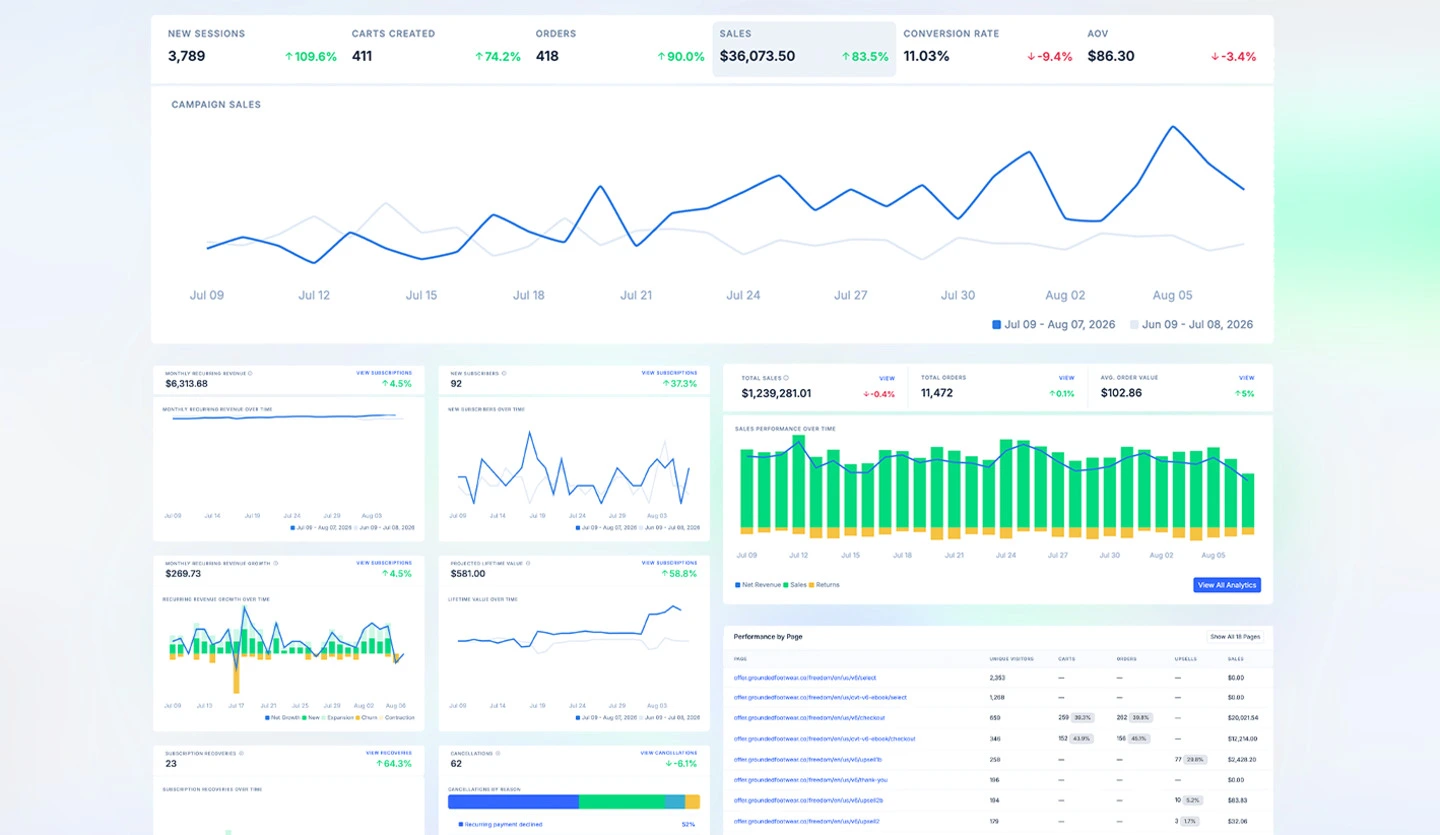
Designing and building a scalable UI system for the ecommerce platform teams use to manage products, campaigns, and customer operations.
Alongside customer-facing storefronts and campaign funnels, I worked on the frontend and UX of the NextCommerce platform itself—an ecommerce CRM used by marketers and operators to manage the full lifecycle of a brand.
The platform spans storefront configuration, inventory, payments, analytics, and campaign operations. The core challenge was making that complexity usable, consistent, and scalable without limiting flexibility.
Scope: A Full Ecommerce Operating System
The platform UI needed to support multiple domains within a single experience:
- Storefront and product configuration
- Inventory and variant management
- Campaign and funnel setup
- Payment flows and order management
- Analytics and reporting
Improving Usability & Onboarding
A key focus was how users understand and navigate the platform—especially when onboarding new merchants and teams.
- Simplifying workflows for common tasks (product setup, campaign creation)
- Reducing cognitive load through clearer layout and hierarchy
- Standardising interaction patterns across different areas of the platform
- Making complex configurations easier to reason about
Good UX here isn’t about visual polish—it’s about reducing friction in complex workflows.
App UI Framework
To support consistency at scale, I contributed to the Next Commerce Design System (App UI)—the frontend framework for apps that integrate with the NEXT platform.
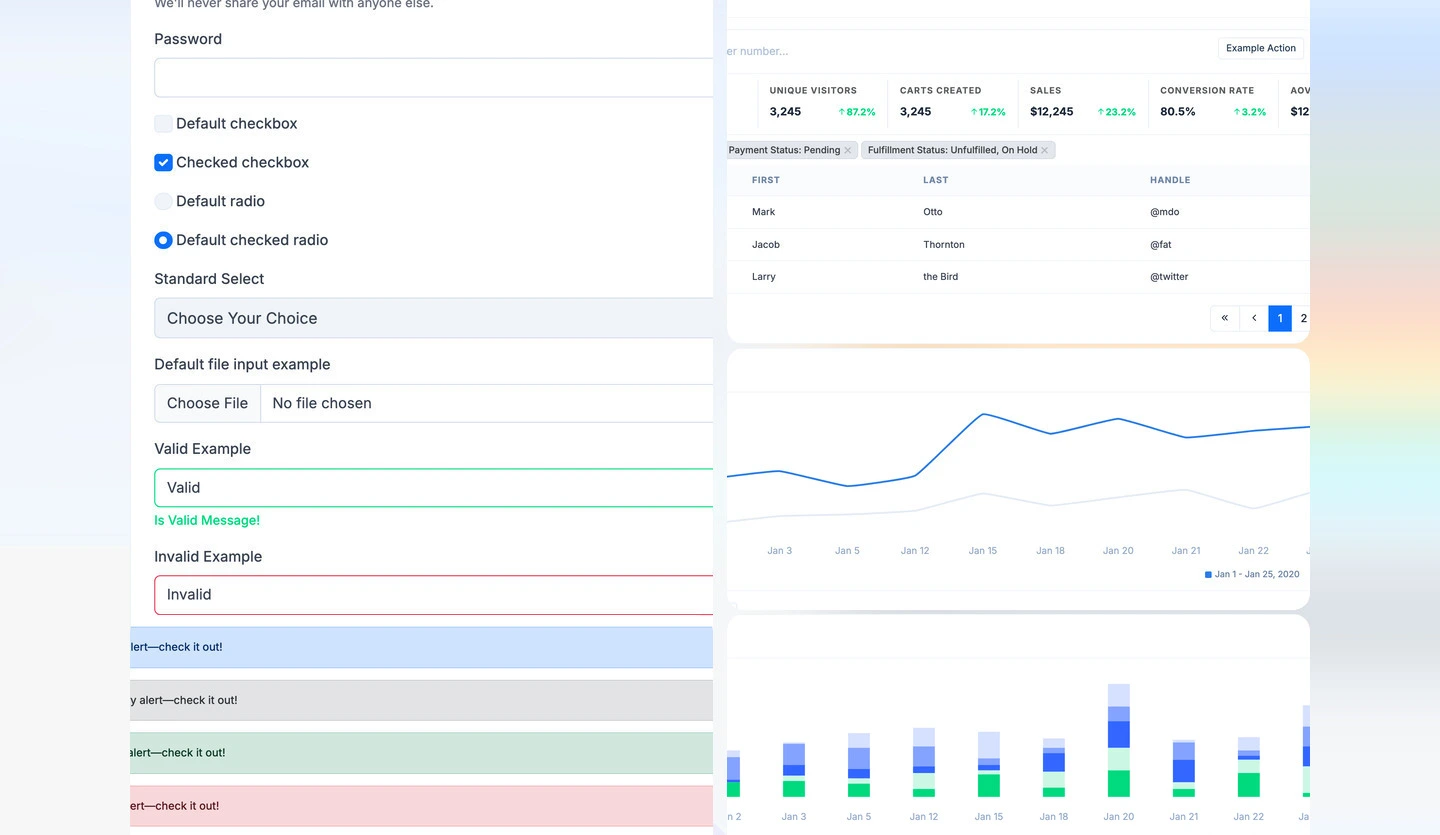
Built on Bootstrap and distributed via CDN, App UI provides a shared foundation for layout, components, and interaction patterns used across internal tools:
- Cards, tables, forms, navigation, and feedback components
- Consistent spacing, typography, and visual hierarchy
- Reusable patterns for data-heavy interfaces (filters, KPIs, charts)
- Documented markup examples teams can adopt without reinventing UI
Frontend Implementation
Beyond UX design, I worked on frontend implementation so the design system translated into maintainable code.
- Building reusable UI components within the platform
- Refining layout systems for complex data views
- Keeping design intent aligned with implementation
- Balancing flexibility with a maintainable structure
The goal was a system developers can extend efficiently while keeping UI consistency high.
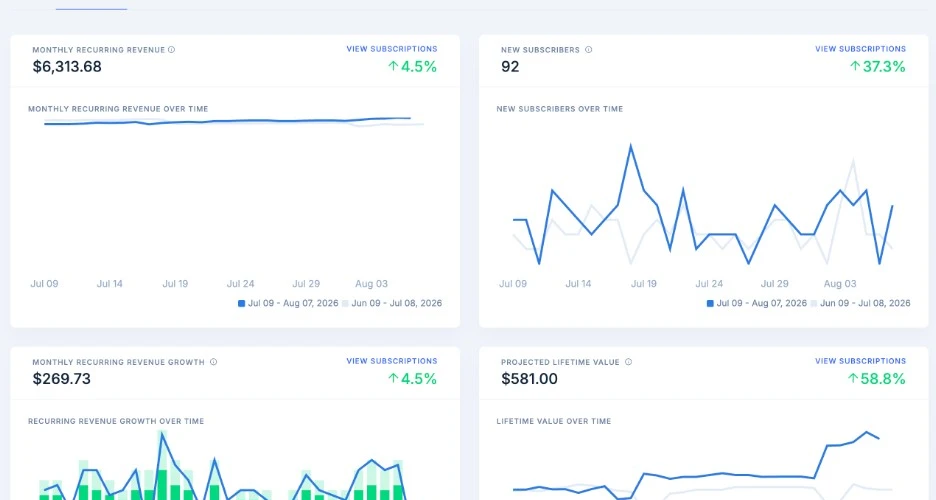
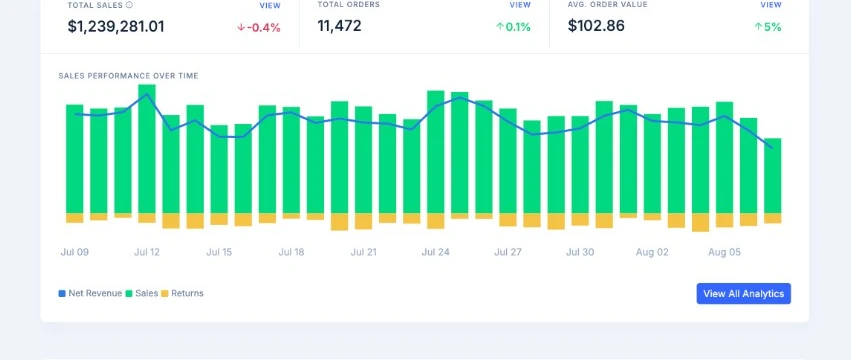
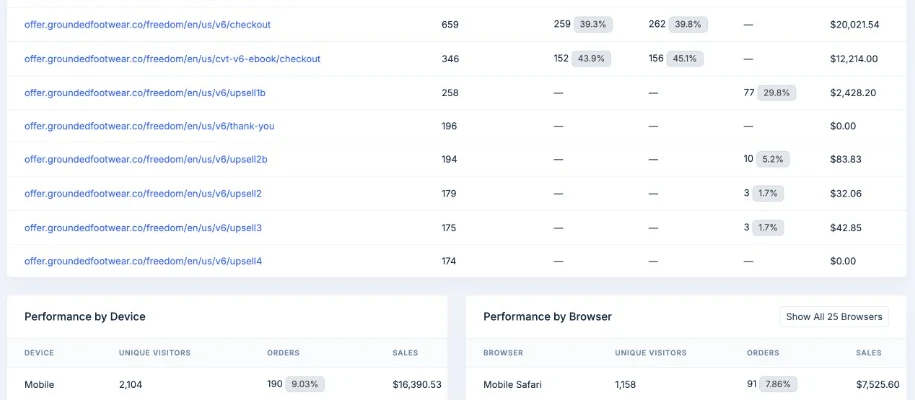
System Thinking: Complexity → Clarity
| Challenge | Approach |
|---|---|
| Multiple domains (products, campaigns, analytics) | Unified UI system and navigation patterns |
| Complex workflows | Simplified, structured user flows |
| Inconsistent UI | Shared App UI component system |
Outcome
This work improved how teams manage complex ecommerce operations—more consistent UI, clearer workflows, and a shared frontend foundation via App UI.
By aligning the design system with implementation, we created a base that supports current platform features and future growth without reinventing patterns for every surface.